

 OSS AI Repair 256GB

OSS AI Repair 256GB Local LLM Ready Live USB Rescue Tools SSK SD311 PRO Bootable
Like having a patient repair expert on a stick. It explains what's wrong with your computer in plain words and walks you through the fix, one step at a time, with nothing run until you say so.
$200.00
In stock · built to order
Free USPS Ground Advantage · ships within 5 business days
Returns: 30 days, seller pays return shipping
- Capacity
- 256GB
- Drive
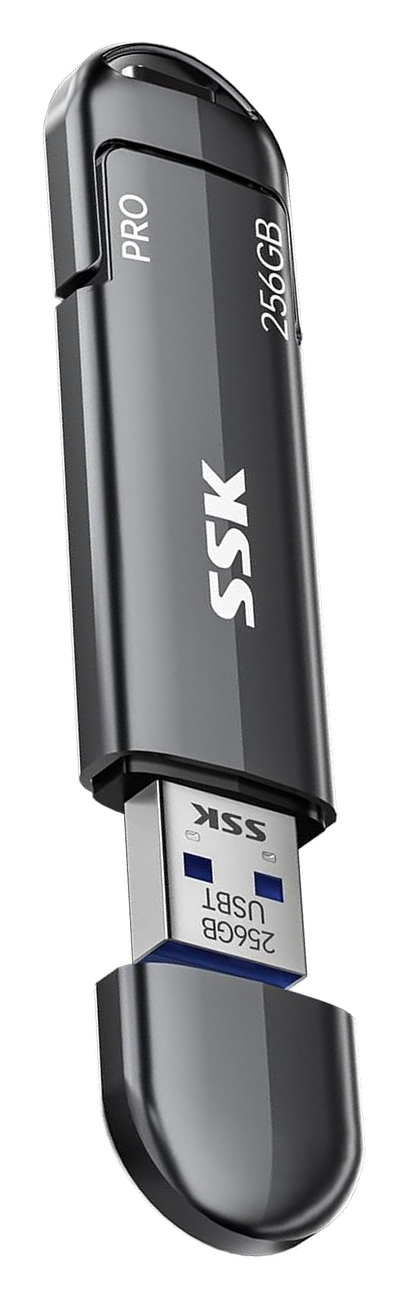
- SSK SD311 PRO 256GB
- Connectors
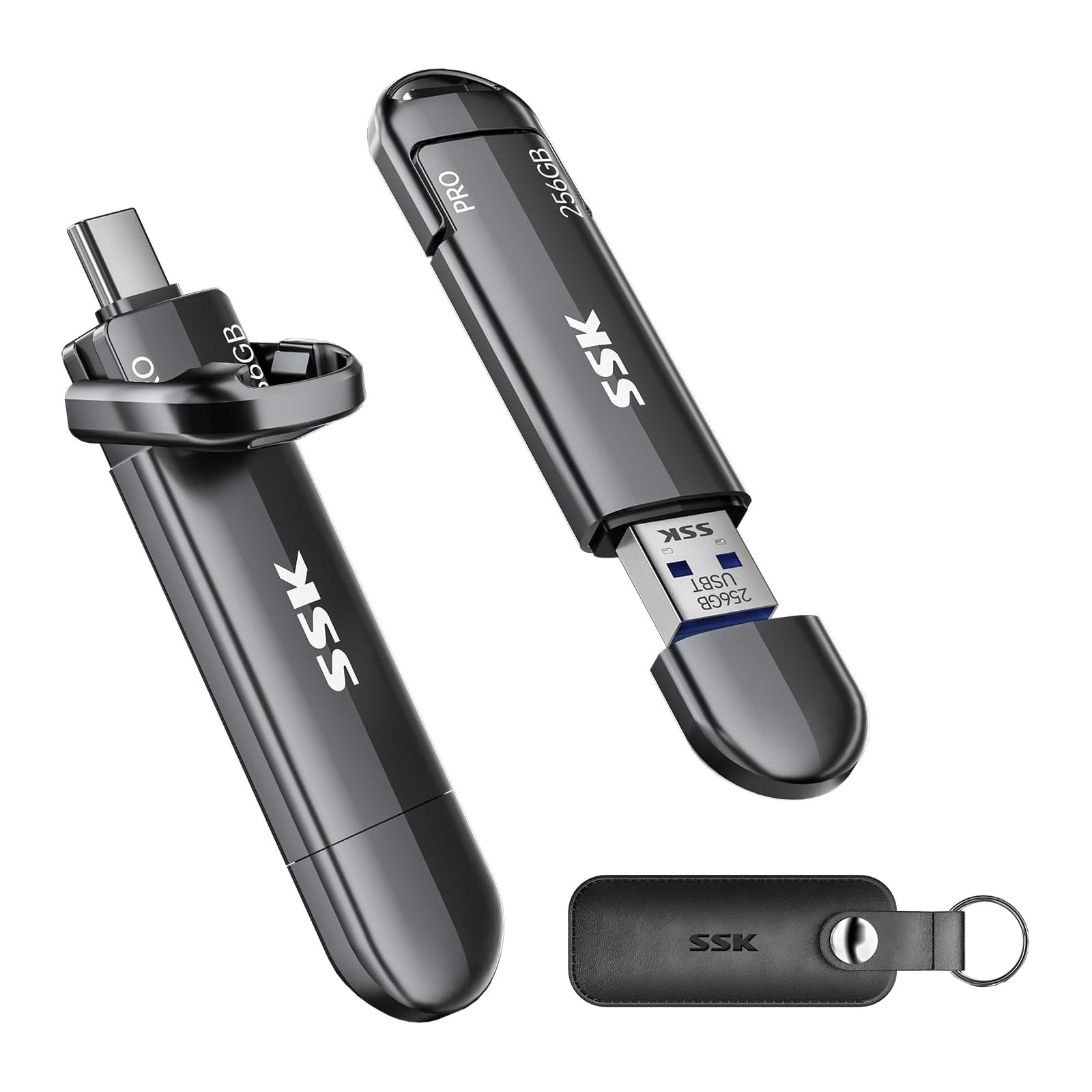
- dual USB-A/USB-C
- Category
- Repair
Source code and checksums for every image: oss.tacsys.xyz/source
OSS AI Repair is our own Debian 13 live system with the usual repair tools (TestDisk/PhotoRec, ddrescue, smartmontools, nvme-cli, GParted, boot-repair, efibootmgr, chntpw, ntfs-3g, cryptsetup, LVM/mdadm and more) plus ClamAV with offline virus signatures, offline help pages, and a local AI assistant (llama.cpp; Local LLM ready, no model preloaded yet). It guides diagnosis and repair: it reads what is wrong, explains it in plain words and proposes one command at a time. Disks start read-only and it runs nothing without your confirmation. The repair tools work offline; the assistant runs a local model you add once, with no cloud account. It includes everything on OSS AI Repair Lite 64GB, plus offline Stack Exchange and Arch Wiki answers.
Who it's for. Home users, IT techs and repair shops who want a patient helper for boot problems, disk errors, malware and data rescue.
How to boot. Shut the computer down fully, plug the stick into a USB-A port, power on and tap the boot menu key right away (common keys: Dell F12, HP F9 or Esc, Lenovo F12 or Enter, Asus F8 or Esc, Acer F12, MSI F11), then choose the USB drive. The system starts on its own. Nothing is installed on your computer unless you choose to install it. Stick not showing? Turn off Secure Boot in your BIOS/UEFI settings. Apple Silicon Macs (M1 and later) can't boot these drives. 64-bit x86 PCs only.
Persistence and vault. Case notes and settings are kept between boots. About 177.8 GiB is free for rescued files and disk images, enough to image a failing 128 GB drive.
What's in the box. One new SSK SD311 PRO 256GB dual USB-A/USB-C flash drive prepared as described above, plus a printed OSS boot card (boot steps, boot-menu keys and support info), packed in a padded bubble mailer. Checksums for every image and the source code are published at oss.tacsys.xyz/source. Free USPS Ground Advantage shipping.
Free updates: update from the drive, and get free new images for the life of your drive. Both are rolling out, and you'll be prompted once they ship. You can also download other images that fit your drive from oss.tacsys.xyz.
Hardware: new SSK SD311 PRO 256GB flash drive with dual USB-A/USB-C connectors and a zinc alloy body (SD311 PRO-256GB, USB 3.2 Gen 2, up to 1,000MB/s).
Brand-new drive, unsealed only to flash and test the custom build.
If we run out of blank sticks, we'll replace them with a drive of like kind and quality or better.
Made to order. Each stick is a new drive. The image is built by us from our published source, verified, and kept ready; when you order, we write it to a fresh drive and check it. Please allow the handling time shown before it ships.
Satisfaction guarantee. If your stick doesn't boot, arrives damaged, or isn't what you expected, message us through eBay first: we'll help you get it running, send a replacement, or give you a full refund through eBay returns under the return policy shown on this listing.
The operating system comes unmodified from its upstream project and is not made or endorsed by this seller; you are paying for the drive, the preparation, and the checking.
Included images

OSS AI Repair
OSS AI Repair is the seller's own Debian 13 live system with repair tools and a local AI assistant that explains what it finds and proposes one step at a time; nothing runs unless you confirm it.
Source: upstream project