

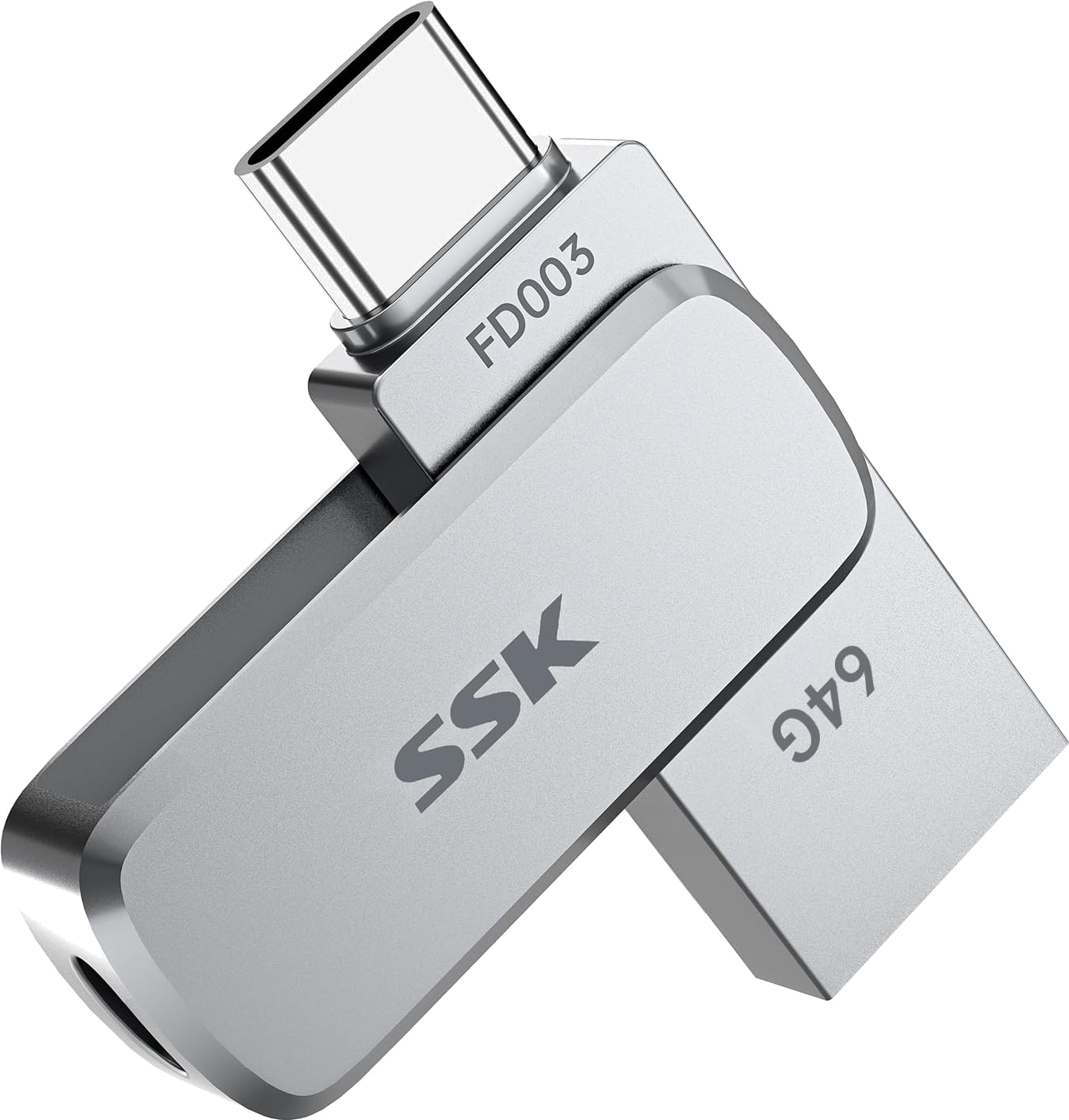
 Intel Mac Linux Multi-Boot 64GB












13 Linux Intel Mac Multi-Boot USB-C 64GB T2 Kubuntu Fedora Pulsar OS Vault Live
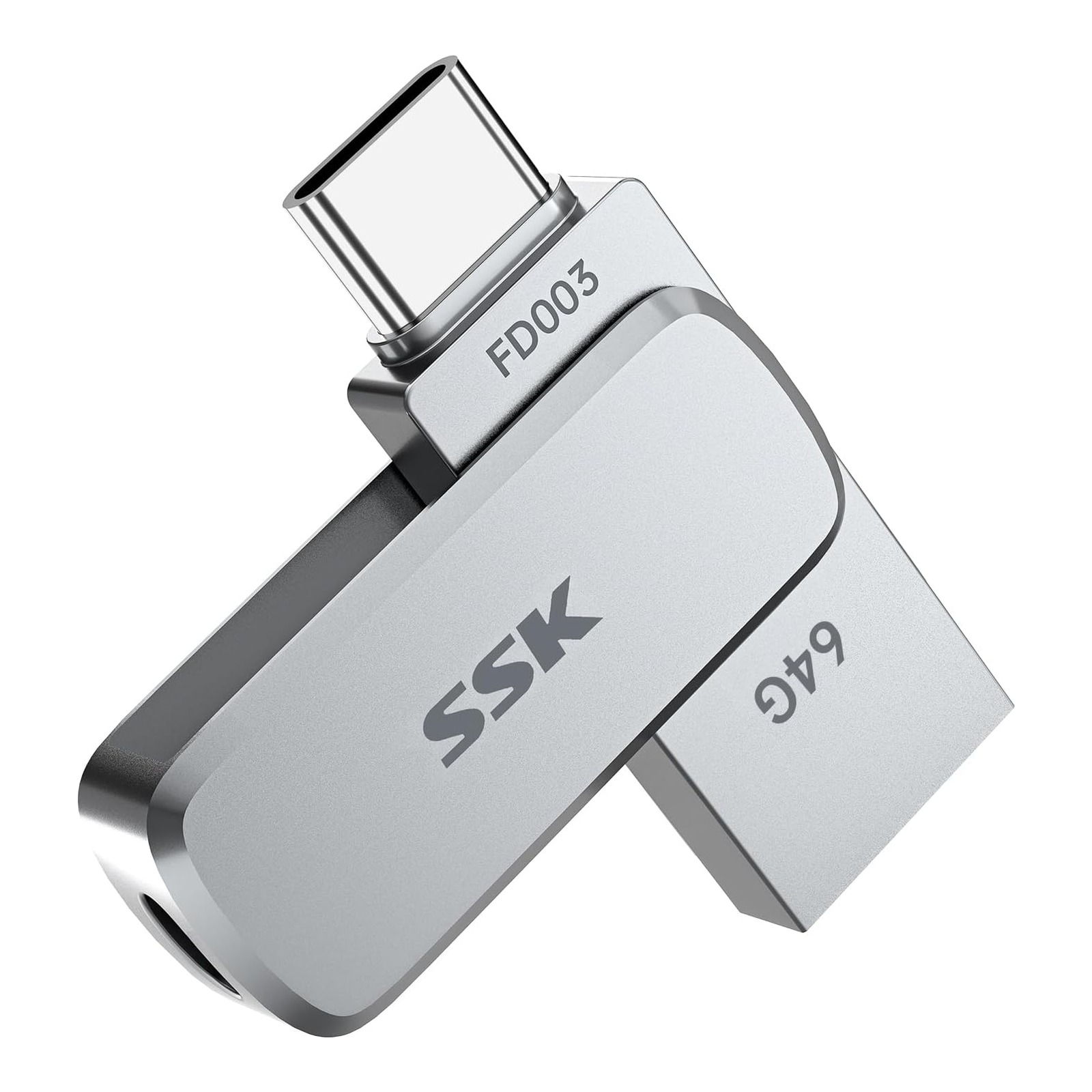
Breathe new life into an Intel Mac. Thirteen Mac-friendly Linux systems on an all-metal stick that plugs straight into USB-C or USB-A, no adapter.
Intel Mac Option-boot path. Not for Apple Silicon (M1 and newer).
Experimental
$75.00
In stock · built to order
Free USPS Ground Advantage · ships within 5 business days
Returns: 30 days, seller pays return shipping
- Capacity
- 64GB
- Drive
- SSK FD003 64GB
- Connectors
- dual USB-A/USB-C
- Images
- 13
- Category
- Multiboot
Source code and checksums for every image: oss.tacsys.xyz/source
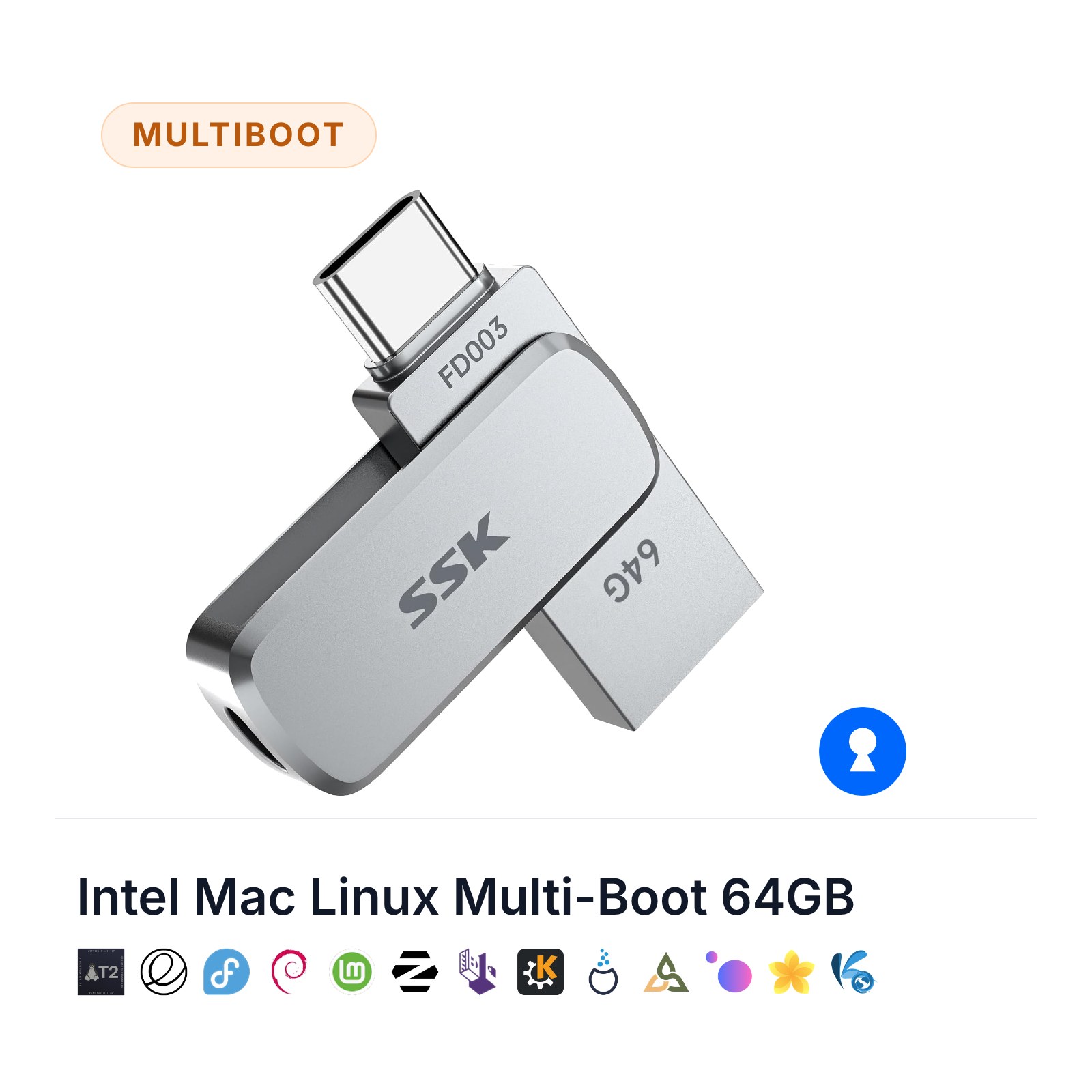
13 official Intel Mac-friendly images in one Ventoy boot menu on a zinc-alloy SSK FD003 64GB stick with USB-A and USB-C connectors: T2 Kubuntu (t2linux community build with drivers for T2 Macs), elementary OS, Fedora Workstation, Debian GNOME, Linux Mint Cinnamon, Zorin OS Core, Tails, KDE Linux (alpha), Mageia, AerynOS, Pulsar OS, Vanilla OS and KaOS. It plugs straight into USB-C MacBooks, no adapter.
Who it's for. Owners of Intel Macs (including T2 models) who want to try or install Linux. Not for Apple Silicon (M1 and later).
How to boot. Intel Macs: shut down, plug the stick straight into a USB-C or USB-A port (no adapter needed), then hold Option at power-on and choose the EFI Boot drive. PCs: plug it into a USB-A or USB-C port, power on and tap the boot menu key right away (common keys: Dell F12, HP F9 or Esc, Lenovo F12 or Enter, Asus F8 or Esc, Acer F12, MSI F11), then choose the USB drive. The Ventoy menu appears: pick a system with the arrow keys and press Enter. Stick not showing? Turn off Secure Boot in your BIOS/UEFI settings, or on the first Ventoy boot choose Enroll key from disk when prompted. Apple Silicon Macs (M1 and later) can't boot these drives. 64-bit x86 PCs and Intel Macs only.
Persistence and vault. Live sessions start fresh each boot (no live-session persistence). The rest of the stick, about 7.5 GiB, is an encrypted private vault partition you unlock with your own passphrase. You set it up on first use; nothing is preset.
What's in the box. One new SSK FD003 64GB dual USB-A/USB-C flash drive prepared as described above, plus a printed OSS boot card (boot steps, boot-menu keys and support info), packed in a padded bubble mailer. Checksums for every image and the source code are published at oss.tacsys.xyz/source. Free USPS Ground Advantage shipping.
Free updates: update from the drive, and get free new images for the life of your drive. Both are rolling out, and you'll be prompted once they ship. You can also download other images that fit your drive from oss.tacsys.xyz.
Hardware: new SSK FD003 64GB flash drive with dual USB-A/USB-C connectors and a zinc alloy body (FD003, USB 3.2 Gen 1, read up to 240MB/s).
Brand-new drive, unsealed only to flash and test the custom build.
If we run out of blank sticks, we'll replace them with a drive of like kind and quality or better.
Made to order. Each stick is a new drive. We build every image once from the official release, verify it, and keep it ready; when you order, we write it to a fresh drive and check it. Please allow the handling time shown before it ships.
Satisfaction guarantee. If your stick doesn't boot, arrives damaged, or isn't what you expected, message us through eBay first: we'll help you get it running, send a replacement, or give you a full refund through eBay returns under the return policy shown on this listing.
The operating system comes unmodified from its upstream project and is not made or endorsed by this seller; you are paying for the drive, the preparation, and the checking.
Included images
T2 Ubuntu (t2linux)
T2 Ubuntu is the t2linux community build of Ubuntu with drivers for Intel Macs that have the Apple T2 security chip.
Source: upstream project
elementary OS
elementary OS is an Ubuntu-based desktop with its own Pantheon interface, designed to feel familiar to Mac users.
Source: upstream project
Fedora Workstation
Fedora is a community distribution sponsored by Red Hat. It ships current free software, GNOME or KDE spins, and a short release cycle. This menu entry is the Workstation (GNOME) edition.
Source: DistroWatch
Debian live GNOME
Debian is a free operating system known for stability, a huge package archive, and a careful release process. Live images let you try desktop environments before installing. This menu entry is the live GNOME image.
Source: DistroWatch
Linux Mint Cinnamon
Linux Mint is a desktop distribution based on Ubuntu (and a Debian edition, LMDE). It focuses on a familiar desktop, multimedia codecs out of the box, and a calm upgrade path. This menu entry is the Cinnamon edition.
Source: DistroWatch
Zorin OS Core
Zorin OS Core is the free edition of the Ubuntu-based Zorin OS, with layouts that feel familiar to Windows and Mac switchers.
Source: upstream project
Tails
Tails (The Amnesic Incognito Live System) is a live system that routes traffic through Tor and leaves little trace on the host computer. It is designed for privacy and anonymity.
Source: DistroWatch
KDE Linux
KDE Linux is KDE's own image-based operating system with an immutable base and the latest Plasma desktop. It is alpha software.
Source: upstream project
Mageia
Mageia is a community-made desktop distribution that grew out of Mandriva. This menu entry is the Plasma live image.
Source: upstream project
AerynOS
AerynOS (formerly Serpent OS) is an independent distribution with atomic updates. This menu entry is the GNOME live image.
Source: upstream project
Pulsar OS
Pulsar OS is a polished Debian-based desktop. This menu entry is the stable 1.0 Debian + GRUB image.
Source: upstream project
Vanilla OS
Vanilla OS is an immutable desktop with a clean GNOME experience and on-demand package containers.
Source: upstream project
KaOS
KaOS is an independent rolling distribution focused on KDE Plasma and Qt applications.
Source: upstream project