

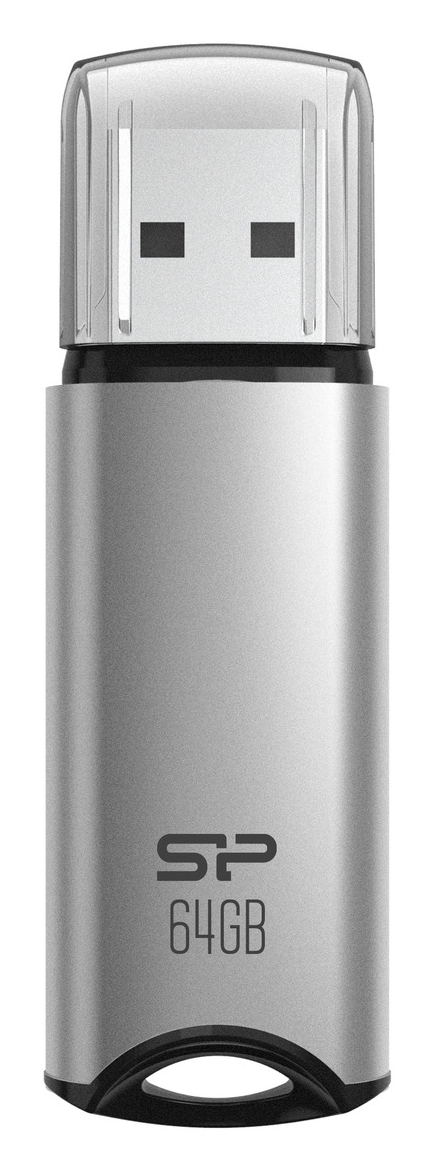
 Linux Rescue Tools 64GB












13 Linux Rescue Tools Multi-Boot USB 64GB SystemRescue Clonezilla AiO-SRT Ventoy
The rescue kit for the day your computer won't start. Thirteen official recovery tools to back up files, clone disks and fix boot problems, all from one Ventoy 1.1.18 menu.
$50.00
In stock · built to order
Free USPS Ground Advantage · ships within 5 business days
Returns: 30 days, seller pays return shipping
- Capacity
- 64GB
- Drive
- Silicon Power Marvel M02 64GB
- Images
- 13
- Category
- Repair
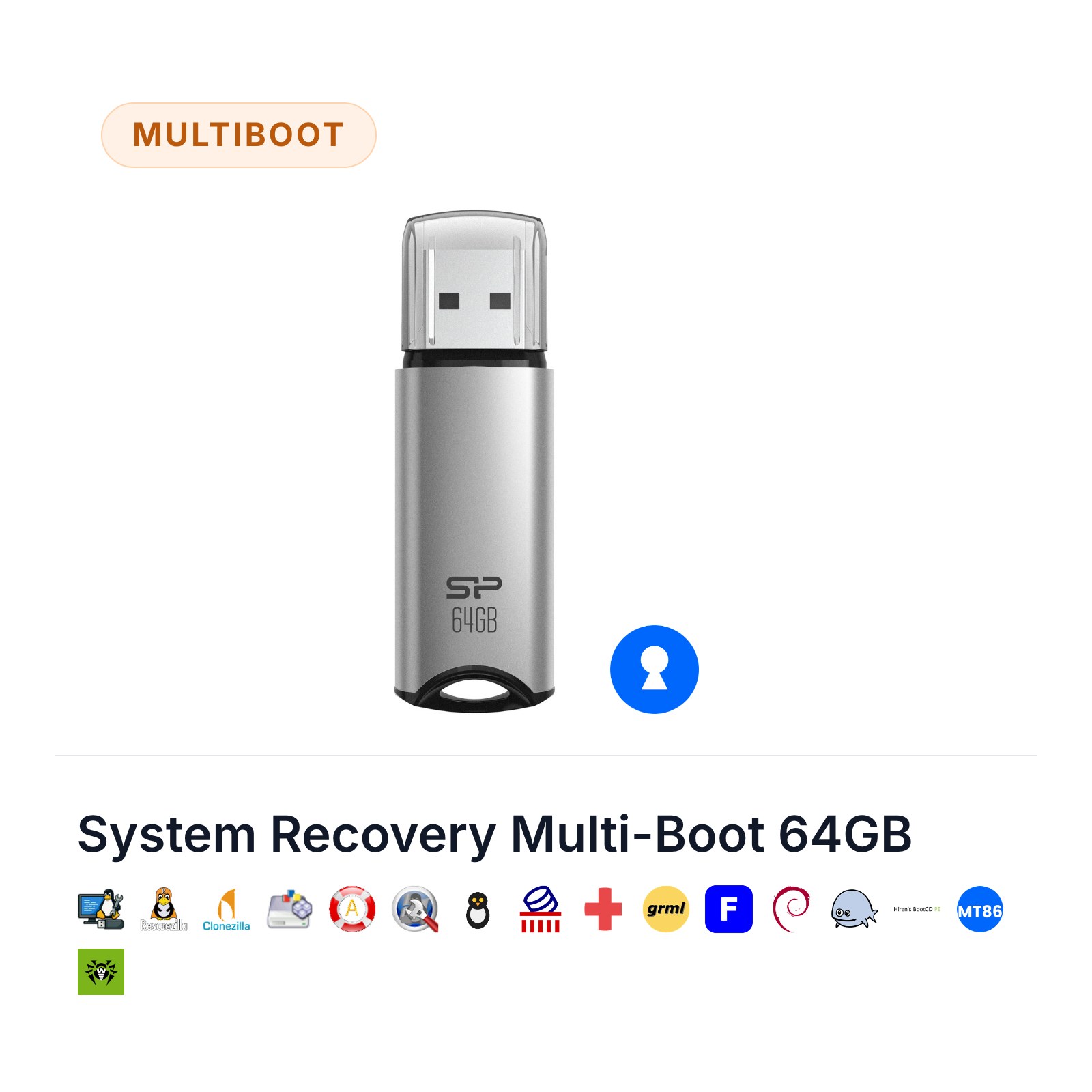
Source code and checksums for every image: oss.tacsys.xyz/source
13 official system-recovery tools in one Ventoy 1.1.18 boot menu on a 64GB USB stick: SystemRescue, Rescuezilla, Clonezilla, GParted Live, Rescatux, Boot-Repair-Disk, Super Grub2 Disk, ShredOS, Grml, Finnix, AiO-SRT (All in One System Rescue Toolkit), FreeDOS, and Dr.Web LiveDisk. Hiren's BootCD PE and memory-test images are not included.
Who it's for. IT techs, repair shops and home users who need to rescue data, fix boot problems, clone or wipe drives.
How to boot. Shut the computer down fully, plug the stick into a USB-A port, power on and tap the boot menu key right away (common keys: Dell F12, HP F9 or Esc, Lenovo F12 or Enter, Asus F8 or Esc, Acer F12, MSI F11), then choose the USB drive. The Ventoy menu appears: pick a tool with the arrow keys and press Enter. Stick not showing? Turn off Secure Boot in your BIOS/UEFI settings, or on the first Ventoy boot choose Enroll key from disk when prompted. Apple Silicon Macs (M1 and later) can't boot these drives. 64-bit x86 PCs only.
Persistence. Most tools start fresh each boot. The rest of the stick is an OSS-persist partition for your own files (SystemRescue can also use a small cow persistence file). There is no separate encrypted vault on this stick.
What's in the box. One new Silicon Power Marvel M02 64GB USB flash drive prepared as described above, plus a printed OSS boot card (boot steps, boot-menu keys and support info), packed in a padded bubble mailer. Checksums for every image and the source code are published at oss.tacsys.xyz/source. Free USPS Ground Advantage shipping.
Free updates: update from the drive, and get free new images for the life of your drive. Both are rolling out, and you'll be prompted once they ship. You can also download other images that fit your drive from oss.tacsys.xyz.
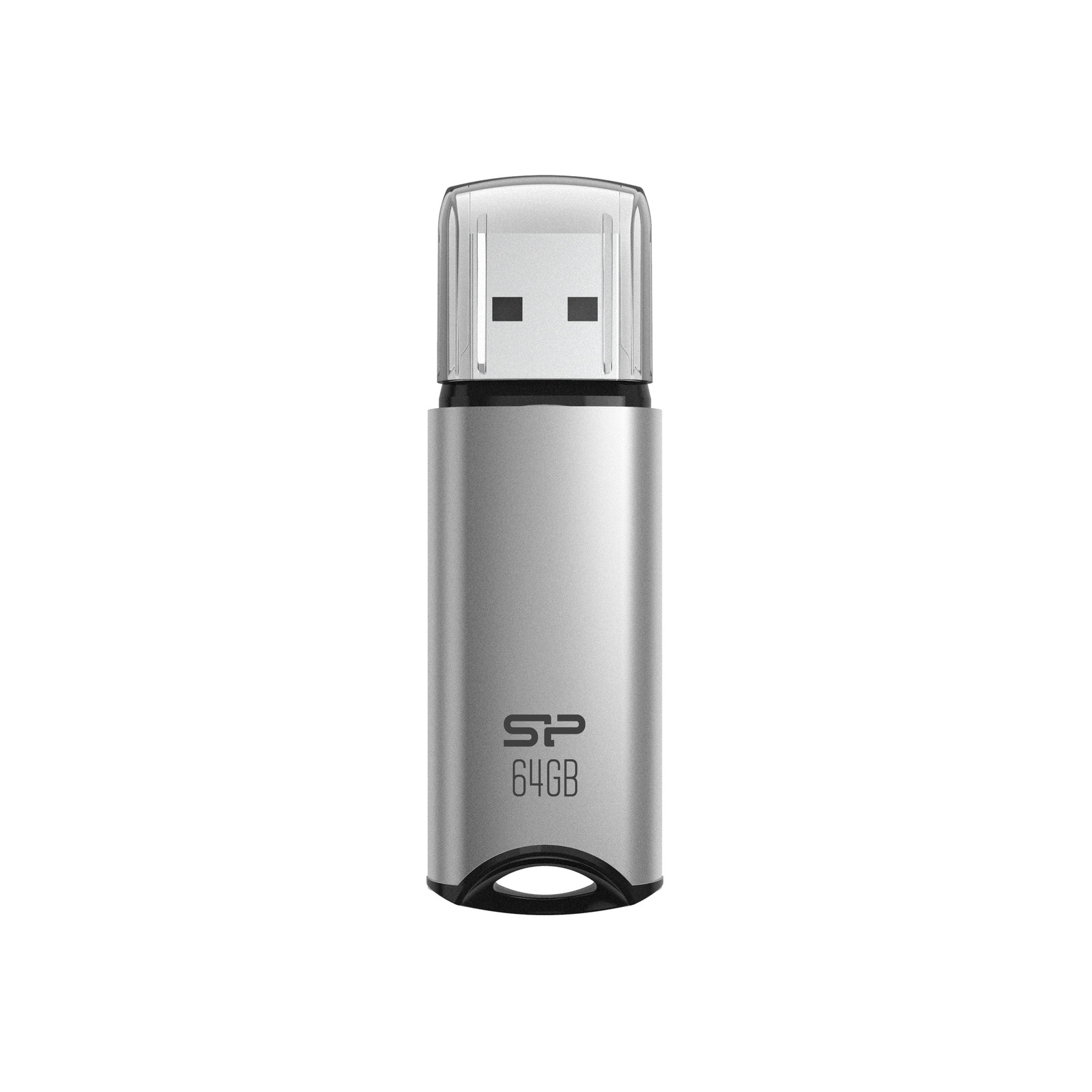
Hardware: new Silicon Power Marvel M02 64GB USB-A flash drive (aluminum body, USB 3.2 Gen 1).
Brand-new drive, unsealed only to flash and test the custom build.
If we run out of blank sticks, we'll replace them with a drive of like kind and quality or better.
Made to order. Each stick is a new drive, written from the official images after your order, then checked. Please allow the handling time shown before it ships.
Satisfaction guarantee. If your stick doesn't boot, arrives damaged, or isn't what you expected, message us through eBay first: we'll help you get it running, send a replacement, or give you a full refund through eBay returns under the return policy shown on this listing.
The operating system comes unmodified from its upstream project and is not made or endorsed by this seller; you are paying for the drive, the preparation, and the checking.
Included images
SystemRescue
SystemRescue is a live Linux toolkit for repairing systems and recovering data. It includes partition editors, filesystems tools, networking utilities, and a graphical desktop.
Source: DistroWatch
Rescuezilla
Rescuezilla is an easy-to-use disk imaging tool, often described as a Clonezilla front end. It provides a graphical workflow for backing up and restoring disks from a live session.
Source: upstream project
Clonezilla
Clonezilla is a partition and disk imaging and cloning tool. It is used to back up and restore disks, including many filesystems, from a live environment.
Source: DistroWatch
GParted Live
GParted Live is a live environment for the GParted partition editor. It creates, resizes, moves, and copies partitions without installing the tool on the host system.
Source: DistroWatch
Rescatux
Unlike command-line-heavy recovery ISOs, Rescatux features Rescapp — a guided, menu-driven wizard. It allows non-technical users to reset forgotten Windows/Linux passwords, fix MBR/UEFI boot issues, and repair disk permissions with just a few clicks.
Source: DistroWatch
Boot-Repair-Disk
Boot-Repair-Disk is a live utility focused on repairing GRUB and other bootloaders. It is commonly used when an installed Linux system no longer boots after dual-boot changes.
Source: upstream project
Super Grub2 Disk
Super Grub2 Disk helps boot operating systems when the bootloader is broken or missing. It can detect and chainload many installed systems from a live USB or CD.
Source: upstream project
ShredOS
ShredOS is a small live system for securely wiping disks using nwipe. It boots quickly and focuses on data sanitization rather than a full desktop.
Source: upstream project
Grml
Grml is a Debian-based live system for system administrators, packed with rescue and repair command-line tools.
Source: upstream project
Finnix
Finnix is a small Debian-based live system for system administrators, focused on repair and recovery from the command line.
Source: upstream project
AiO-SRT
AiO-SRT (All in One System Rescue Toolkit) is an Ubuntu 24.04-based LXQt live system that gathers disk, data-recovery, password-reset and repair tools in one menu.
Source: upstream project
FreeDOS
FreeDOS is a complete, free DOS-compatible operating system for classic DOS programs and games.
Source: upstream project
Dr.Web LiveDisk
Dr.Web LiveDisk is a bootable antivirus rescue disk that scans and cleans an infected PC without starting its installed system.
Source: upstream project